
Floating windows
Open admin pages in movable, resizable windows with minimize, maximize, snap, and taskbar controls.
Free and complete / WordPress 6.7+ / PHP 8.1+
DeskPress turns wp-admin into a desktop: floating windows, taskbar navigation, shortcuts, widgets, command search, visual themes, client mode, and white-label delivery tools. One version, every feature, free.
DeskPress
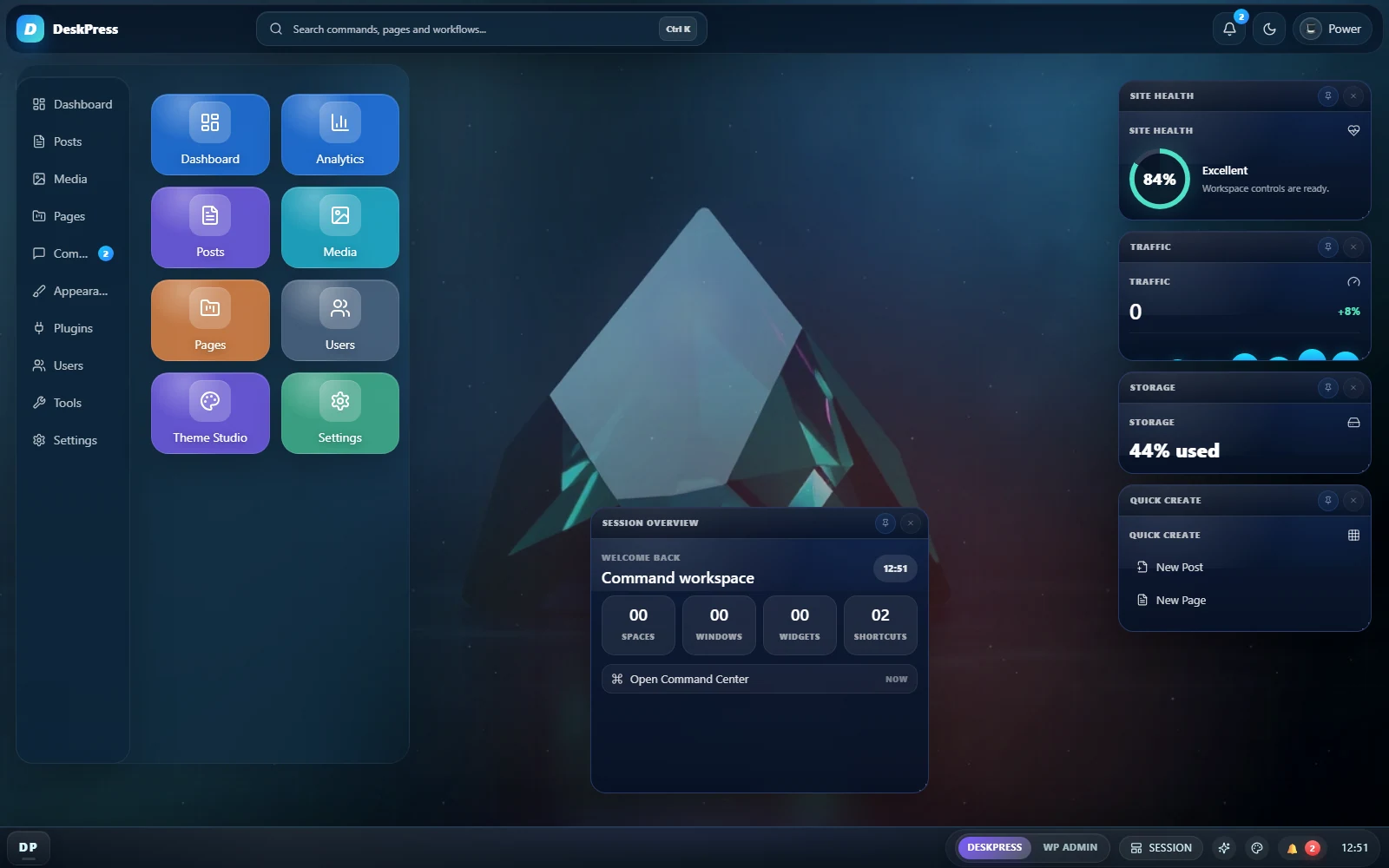
The Command Center launches actual admin screens in floating windows you can move and resize. What you see in these screenshots is what the plugin does.
Features
The plugin combines the desktop shell, advanced appearance controls, native widgets, integration widgets, client delivery tools, and multilingual catalogs in a single free plugin.
Open admin pages in movable, resizable windows with minimize, maximize, snap, and taskbar controls.
Launch pages and actions from a fast keyboard palette instead of digging through nested menus.
Pin posts, pages, settings, plugin tools, and admin destinations that each role needs every day.
Use native widgets for stats, activity, notes, queue, schedule, health, drafts, reports, and WooCommerce signals.
Tune themes, wallpaper, colors, density, text scale, surfaces, blur, radius, motion effects, and desktop visibility.
Prepare client mode, white-label branding, role-aware menus, workspace templates, imports, exports, and reports.
Workflow
Activate the plugin and launch DeskPress from the WordPress admin sidebar.
Choose the theme, tune the advanced controls, set the profile, add widgets, and pin useful destinations.
Use client mode, templates, role workspaces, reports, and integration widgets to hand over a clearer admin.
Search Intent
These focused pages target visitors who do not know DeskPress yet but already know the WordPress admin problem they want to fix.
Target people looking for a complete way to reshape wp-admin beyond logo swaps.
View pageGuideHow to simplify WordPress admin for clientsFocus on calmer handoff, simpler navigation, and a more teachable backend.
View pageGuideWhite label WordPress admin for agenciesPosition DeskPress on agency delivery, branding, templates, and client presentation.
View pageGuideBest plugin to customize wp-adminA comparison-style page for people evaluating serious admin UX plugins.
View pageGuideRole-based WordPress admin workspaceExplain profiles, role-aware delivery, seeded workspaces, and preview tools.
View pageGuideWordPress admin alternative for WooCommerce teamsShow the multi-window workflow for store teams juggling orders, products, and content.
View pageGallery
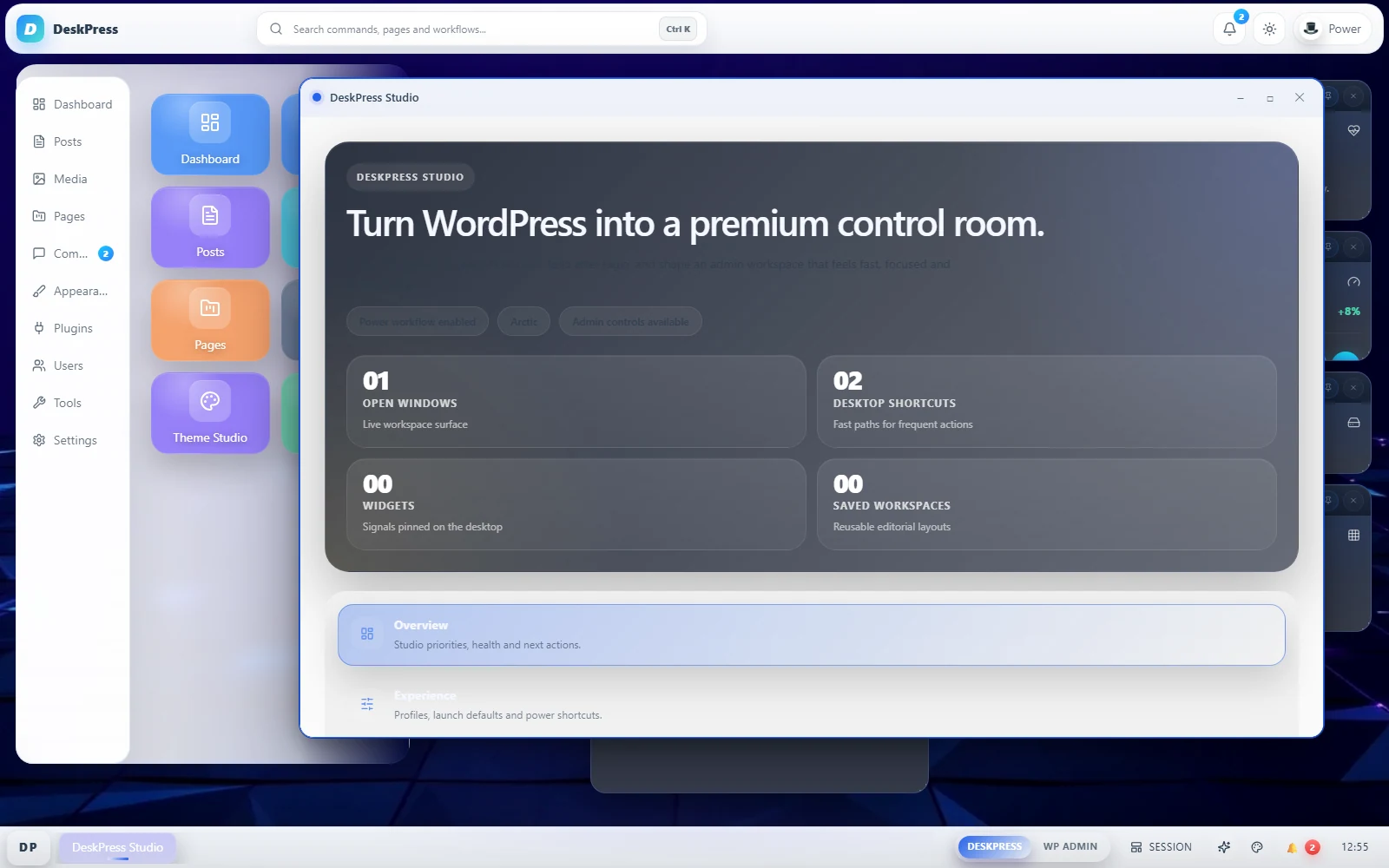
Eight captures of the current plugin, all in the Graphite theme: the desktop, Launchpad, command search, the theme and color pickers, Studio, the client delivery layer, and two admin screens open side by side.
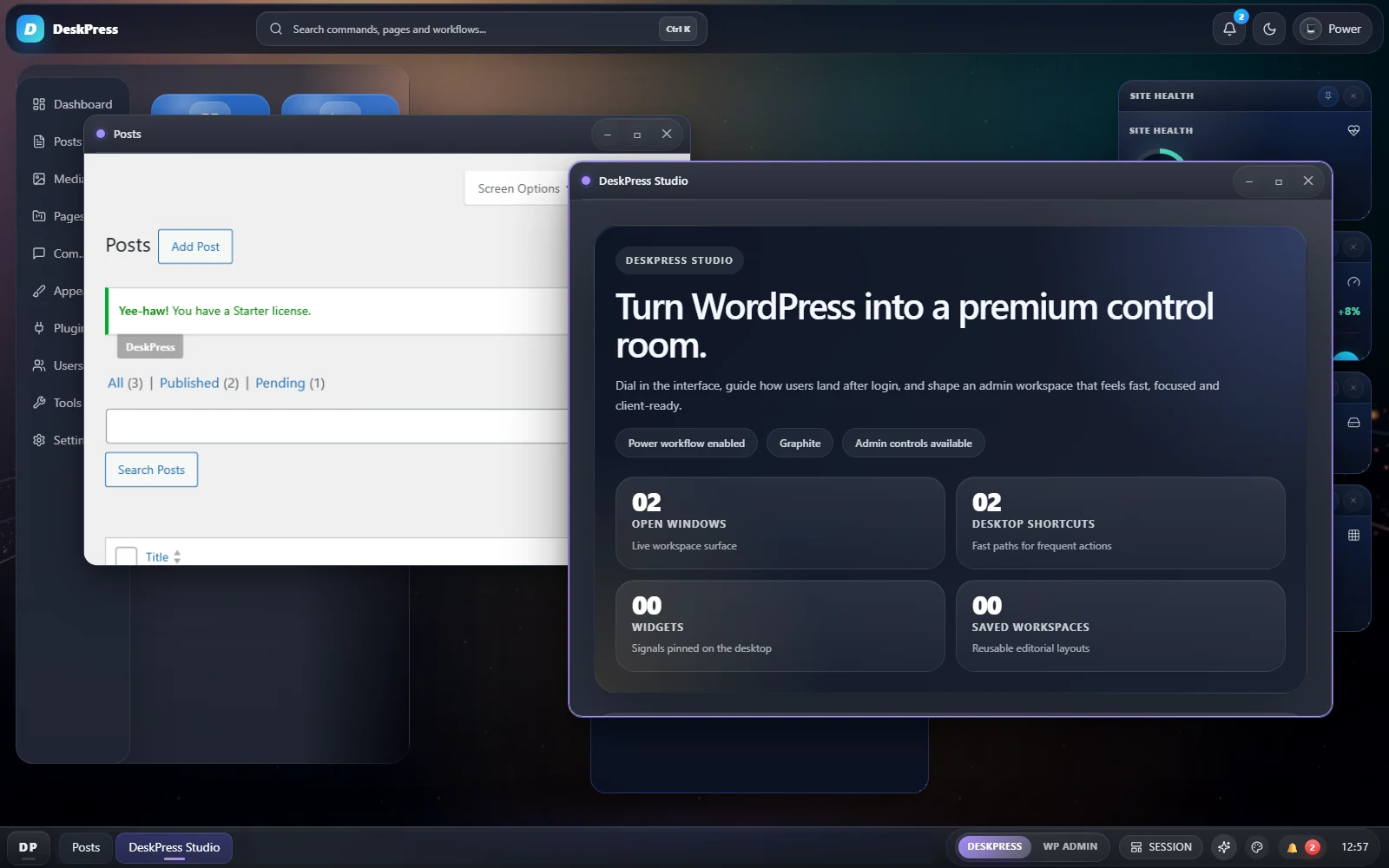
Keep real wp-admin screens open side by side, moved and sized the way you want.
A branded workspace with shortcuts, widgets, search, and taskbar controls.
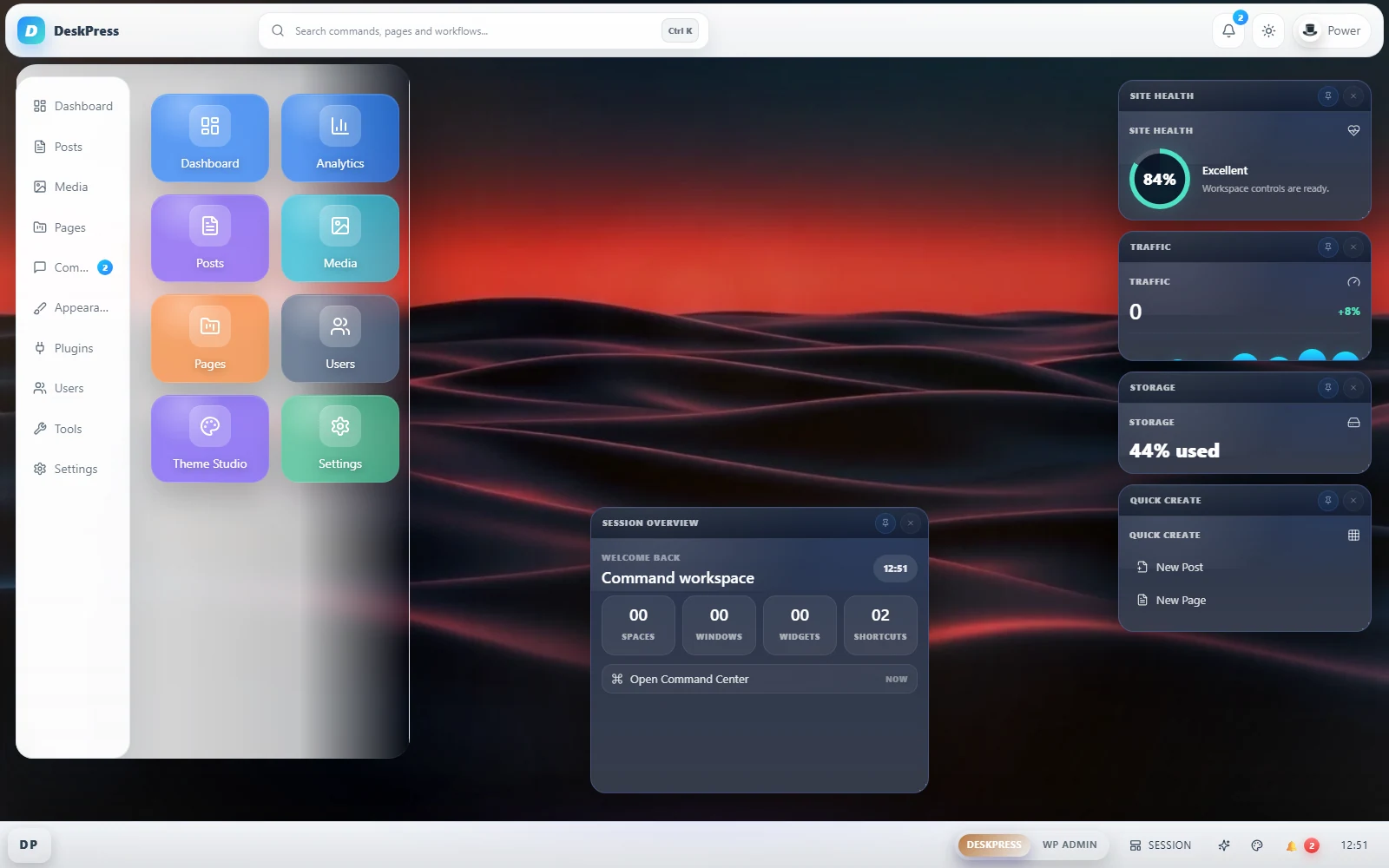
Daily destinations stay visible without sending users back through menus.
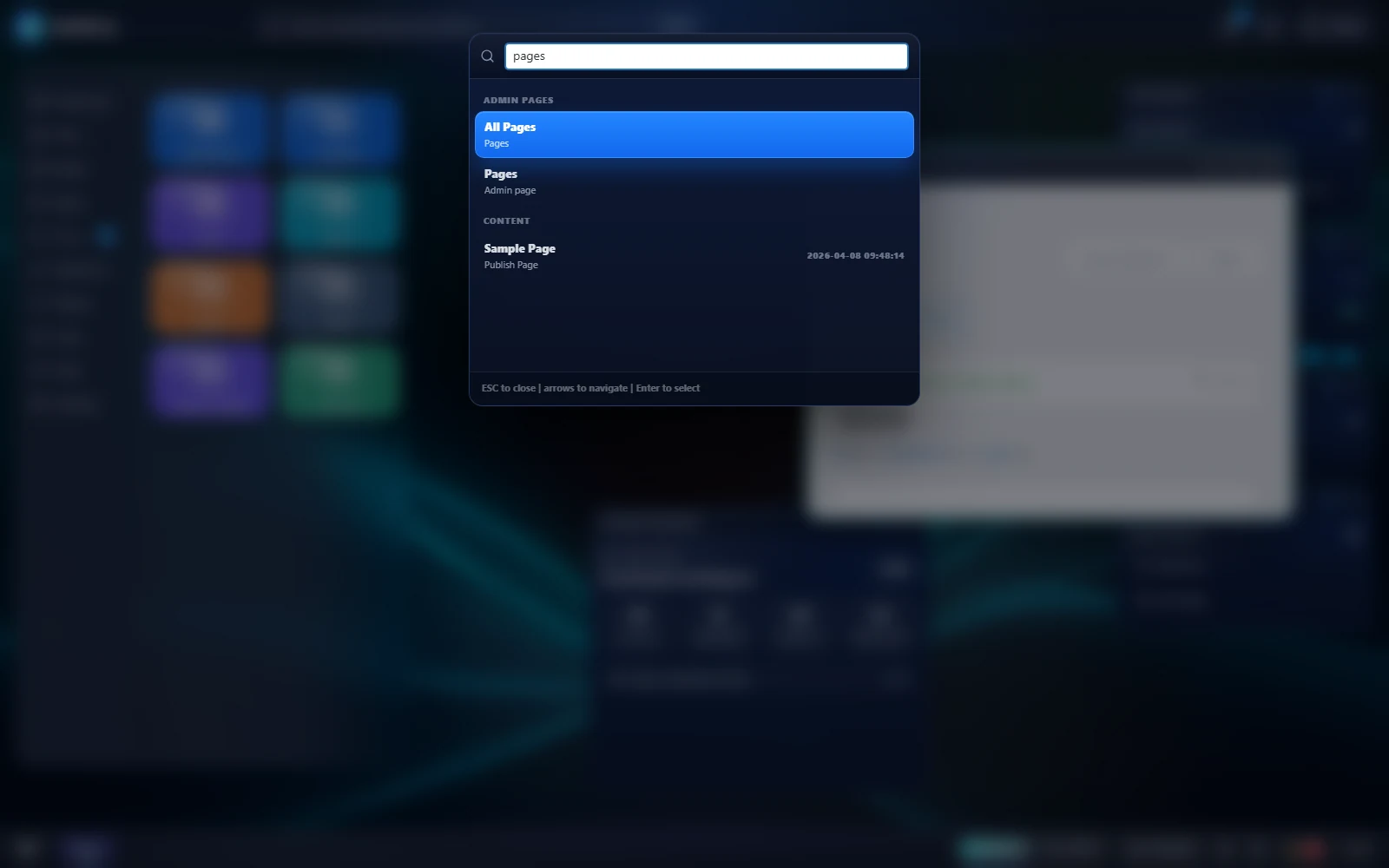
Open pages, actions, workflows, and content from one fast palette.
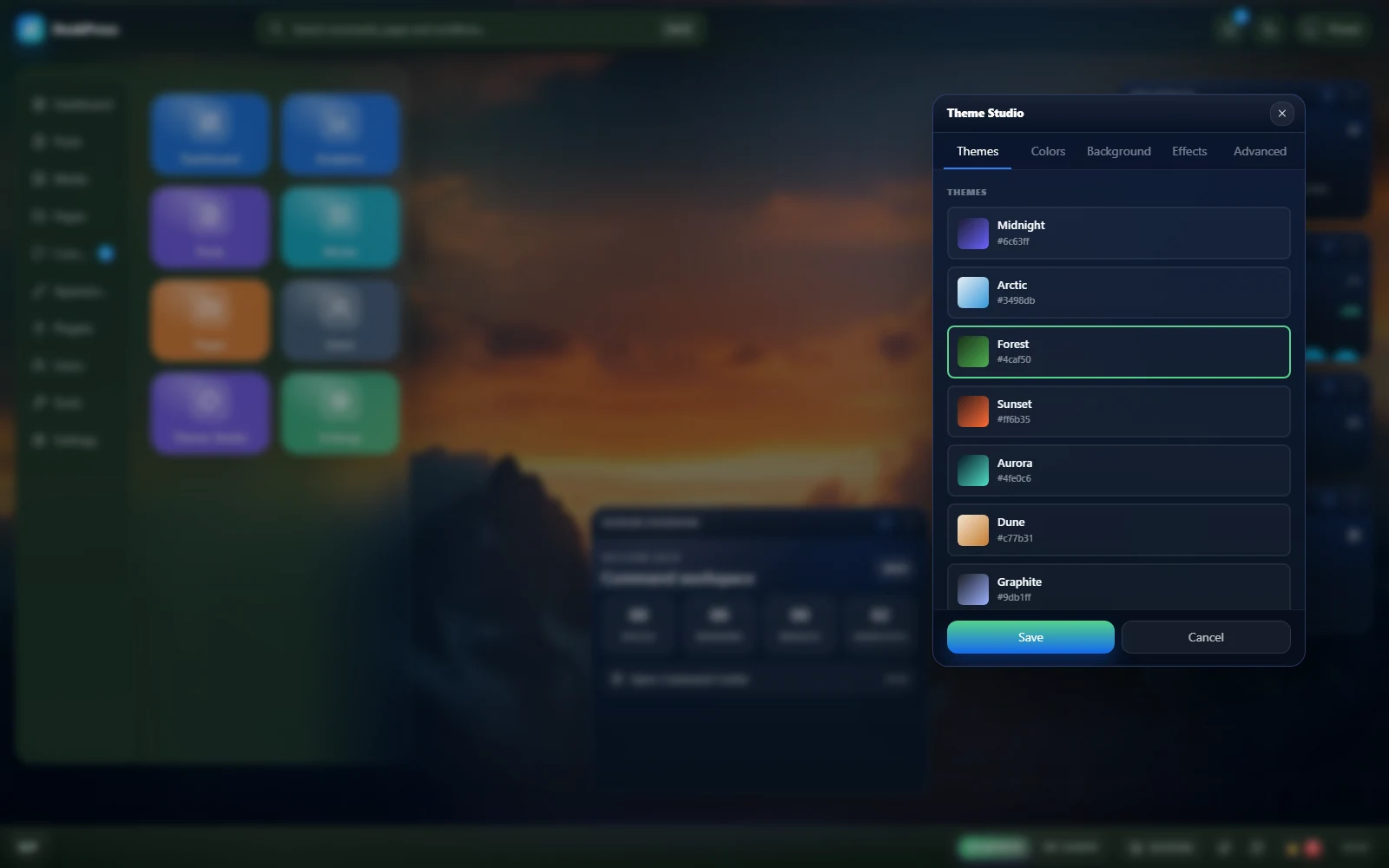
Show clients a real theme system, not a single fixed admin skin.
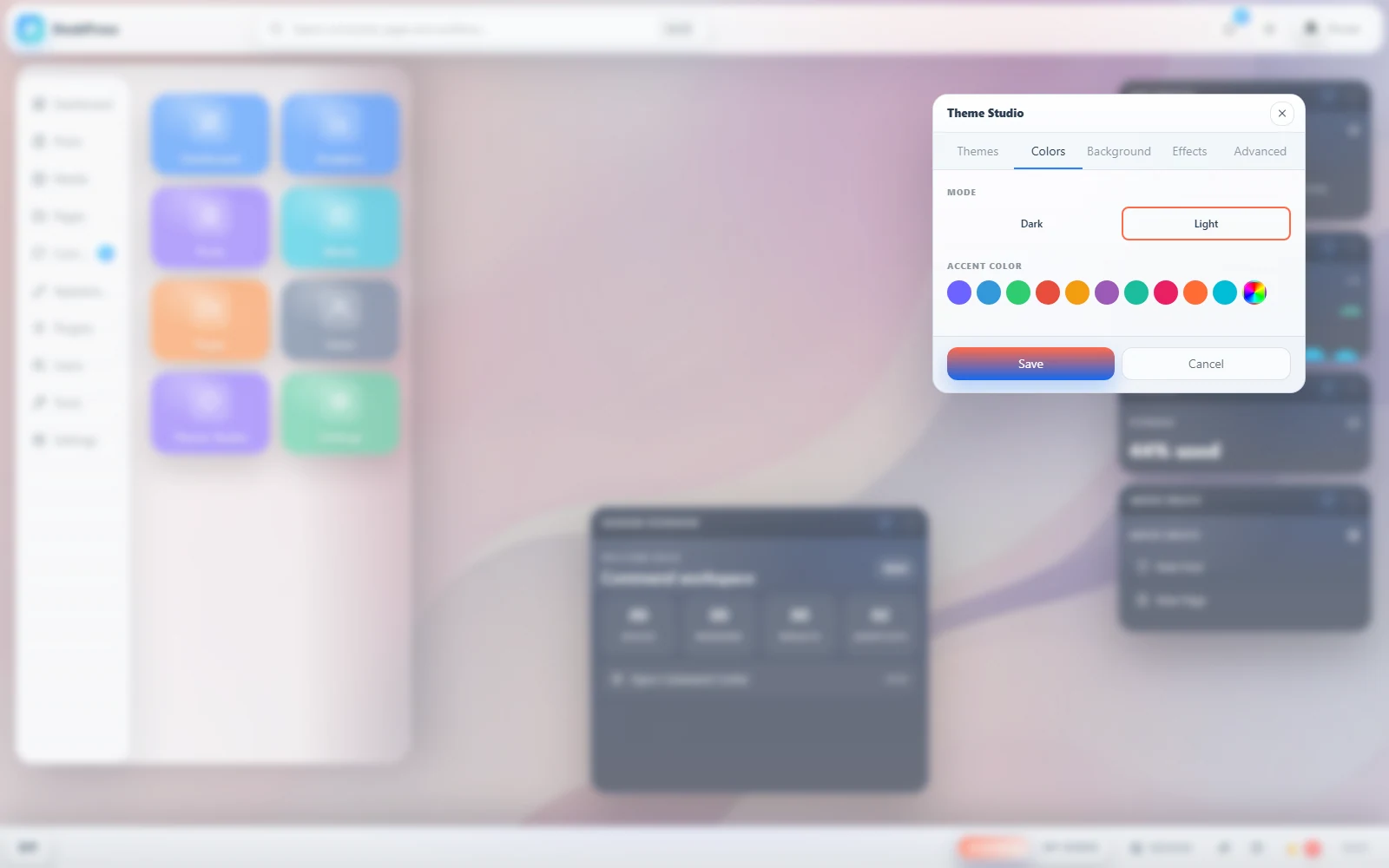
Tune color, surfaces, and density without leaving the workspace.
Profiles, appearance, launch defaults, and controls live in one place.
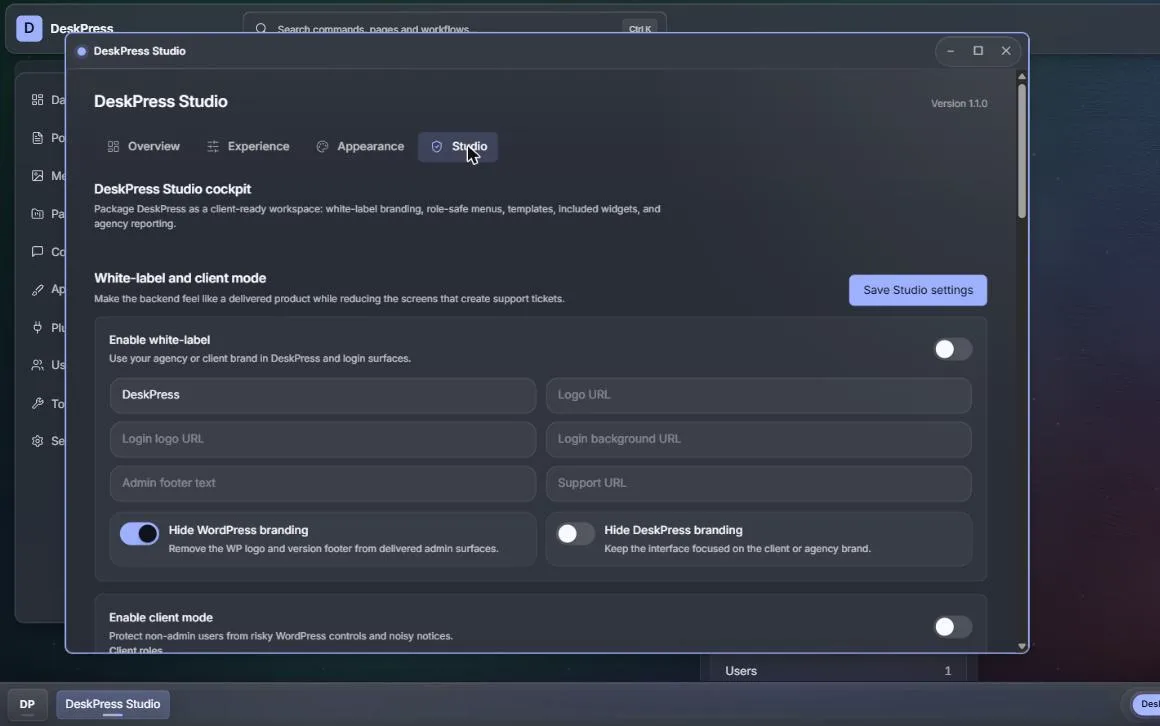
Package client mode, templates, imports, exports, and agency delivery.
FAQ
No. The plugin runs inside wp-admin and does not require a hosted external service.
Yes. One version, every feature, GPLv2. There is no paid tier, no licence key, no account, and no upsell inside the plugin. It also contacts no external service and bundles no third-party SDK.
Yes. DeskPress includes a widget registry hook, REST data callbacks, and a modular PHP/React architecture for integrations.
Install DeskPress and your WordPress projects get a backend that is faster to move around, easier to understand from the first login, and yours to brand.