
Problem
Why people search for this
A single backend layout forces every role through the same menus, pages, and distractions. That slows down teams and makes client-facing access harder to trust.
role-based admin plugin wordpress
WordPress administrators, editors, commerce operators, and clients do not need the same workspace. DeskPress helps you shape the admin surface around the role.
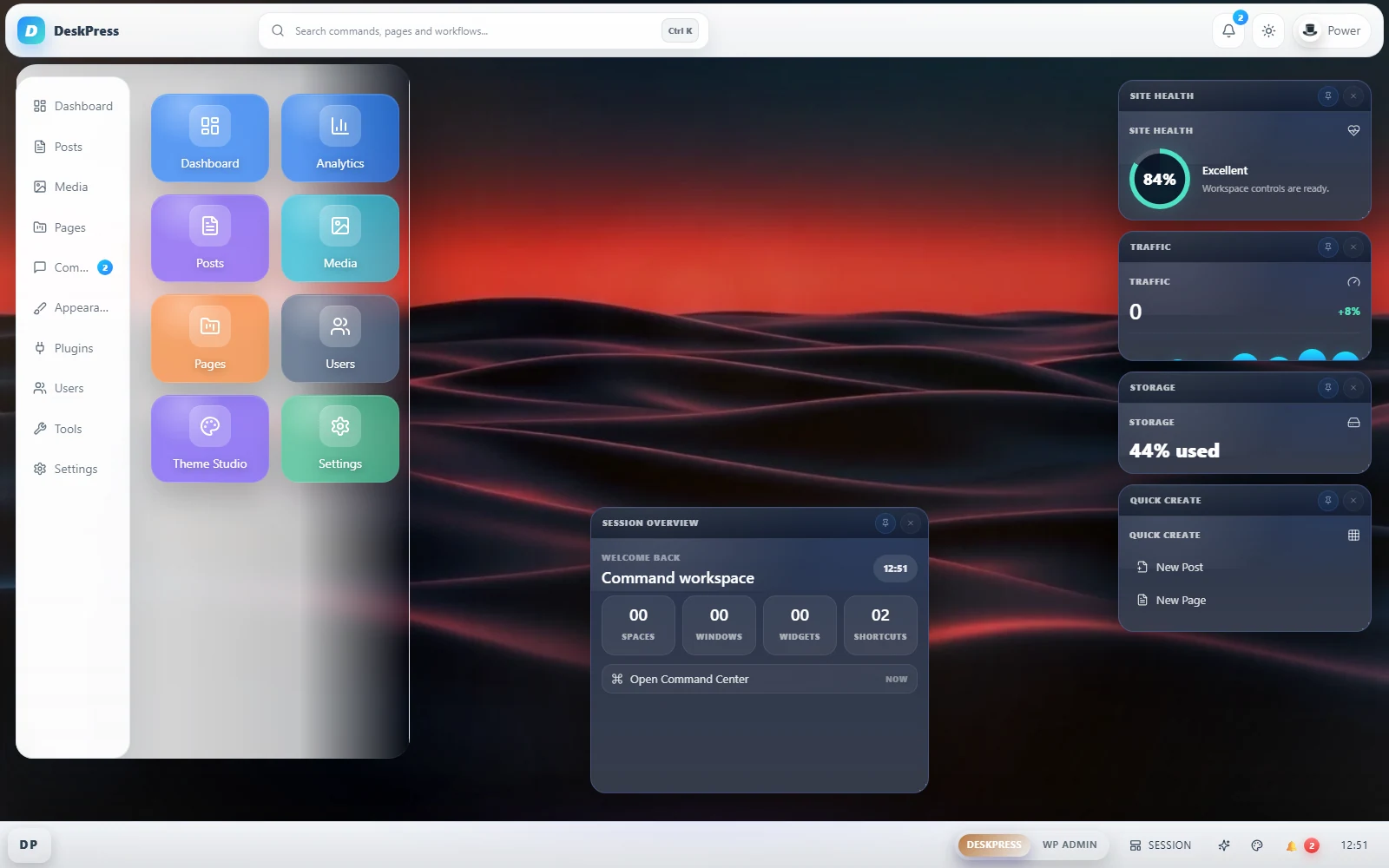
Problem
A single backend layout forces every role through the same menus, pages, and distractions. That slows down teams and makes client-facing access harder to trust.
Solution
DeskPress supports role-based delivery with Simple and Power User profiles, role preview, role workspaces, template shortcuts, and menu cleanup so each type of user gets a more focused admin surface.
What you get
Add role logic to wp-admin
Install DeskPress when you want role preview, seeded workspaces, and stronger role rules for production teams.
DeskPress is a single GPLv2 plugin. There is no paid tier, no licence key and no account to create, and it contacts no external service.
FAQ
Yes. DeskPress includes Simple and Power User profiles plus role-aware delivery and preview tools.
Yes. DeskPress can seed workspaces by role, along with the shortcuts bundled into each template.
It lets you inspect the resulting admin experience before a client or editor logs in, which reduces bad handoffs.