
Problem
Why people search for this
Default wp-admin exposes many menus, notices, tabs, and context switches. Even when nothing is technically broken, the backend can feel noisy and risky to a client.
how to simplify wordpress admin for clients
Clients do not need the full WordPress maze. They need a calm place to publish, update pages, and find the next action fast.
Problem
Default wp-admin exposes many menus, notices, tabs, and context switches. Even when nothing is technically broken, the backend can feel noisy and risky to a client.
Solution
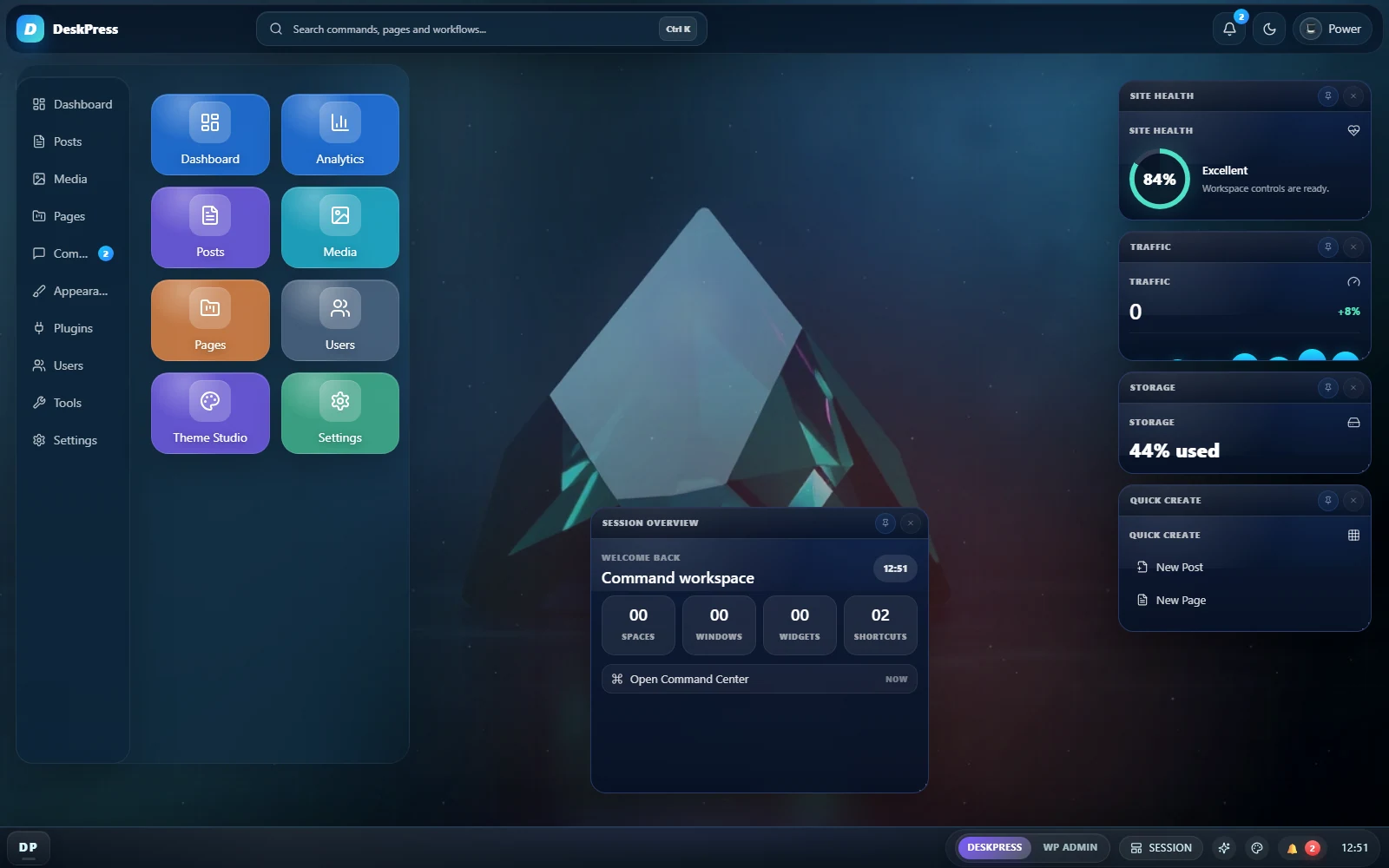
DeskPress simplifies the experience with a cleaner workspace, shortcuts, widgets, a Simple profile, client mode, menu rules, and role-focused workspace delivery.
What you get
Build a simpler backend
Install DeskPress if your client handoff needs white-label polish, role controls, and a calmer WordPress workspace.
DeskPress is a single GPLv2 plugin. There is no paid tier, no licence key and no account to create, and it contacts no external service.
FAQ
Yes. DeskPress improves clarity with profiles, shortcuts, widgets, and a calmer workspace while preserving access for capable users.
DeskPress includes client mode, menu rules, and role-focused workspace delivery for that handoff.
Yes. A simplified workspace reduces first-login friction and gives agencies a more teachable backend.